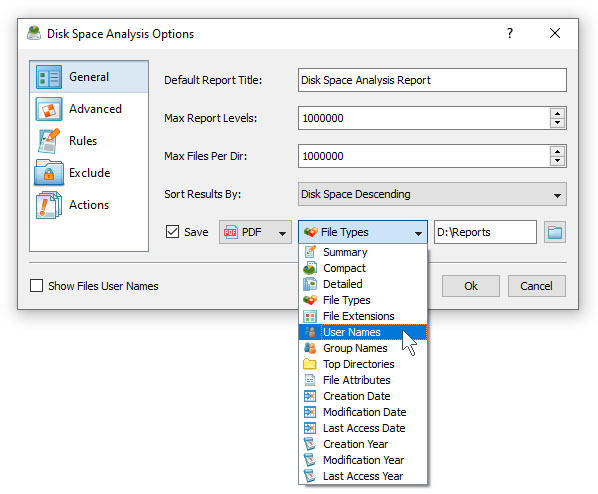
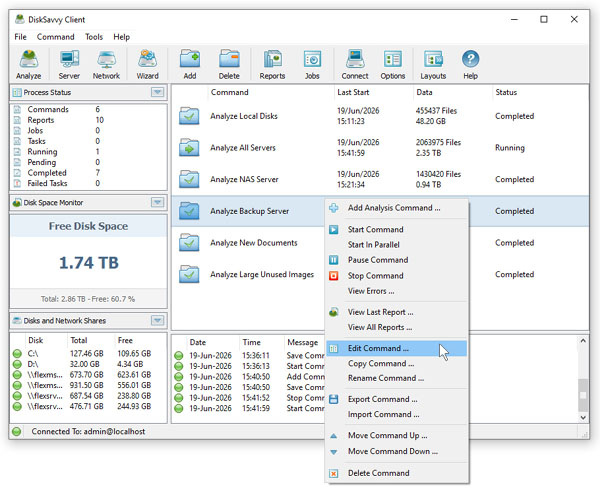
DiskSavvy Server is especially designed to be as simple as possible. The product does not require any third-party software applications and
may be installed and configured within a couple of minutes. Fully functional 30-days trial versions of DiskSavvy Server and DiskSavvy Enterprise may be downloaded
from the downloads page.
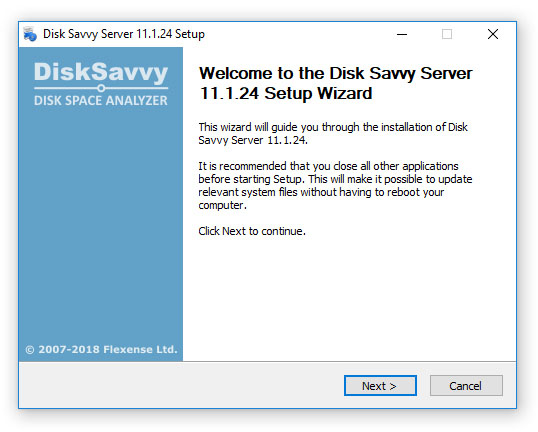
The installation package is very small, approximately 15 MB depending on the target operating system, and the product requires just 100 MB of the free
disk space on the target server. In order to install DiskSavvy Server, start the setup program, select a destination directory and press the 'Next' button.
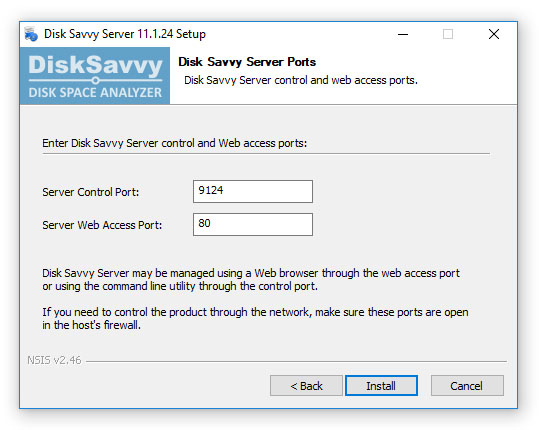
Optionally, enter custom server control and/or web access ports. The server control port is used by the DiskSavvy command line utility and the web access
port is the port for the web-based management interface allowing one to control DiskSavvy Server using a standard web browser. If DiskSavvy Server should
be controlled remotely through the network, make sure one or both of these ports are open in the server's firewall.